Knowledge Health
Updated 2026-03-31
Table of contents
As your memory grows, some facts inevitably conflict. A project budget changes, a team lead rotates, or a deadline shifts and the old memory stays around. Scribelet's Knowledge Health feature catches these contradictions automatically and gives you a clear path to fix them.
Where to find it
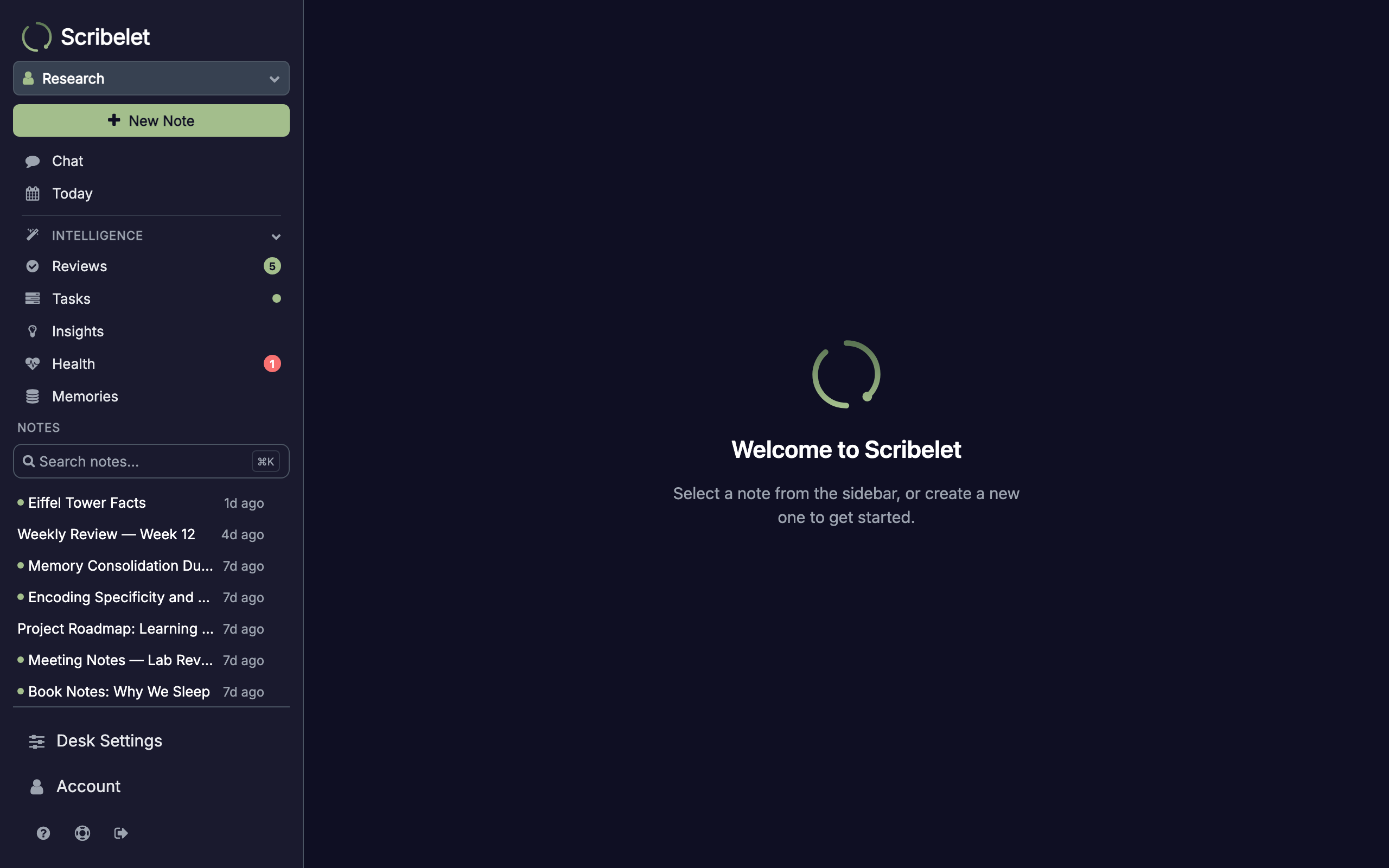
Open the Health screen from the Intelligence section of the sidebar. A red badge appears on the menu item whenever new contradictions are waiting for review.
How detection works
Contradiction detection runs automatically in the background for Pro desks. The system uses a two-layer pipeline to balance speed with accuracy:
-
Embedding pre-filter: every memory has an embedding (a numeric fingerprint of its meaning). The system compares embeddings across all your fact memories and finds pairs that are semantically close but not identical, the range where contradictions typically live.
-
LLM verification: candidate pairs from the first step are sent to an AI model that reads both memories and determines whether they genuinely contradict each other. The model is tuned for precision: it only flags a contradiction when two statements truly cannot both be true.
This two-step approach keeps costs low (most pairs are filtered out cheaply by embeddings) while maintaining high accuracy (the LLM catches nuances like temporal updates and different scopes).
Reviewing contradictions
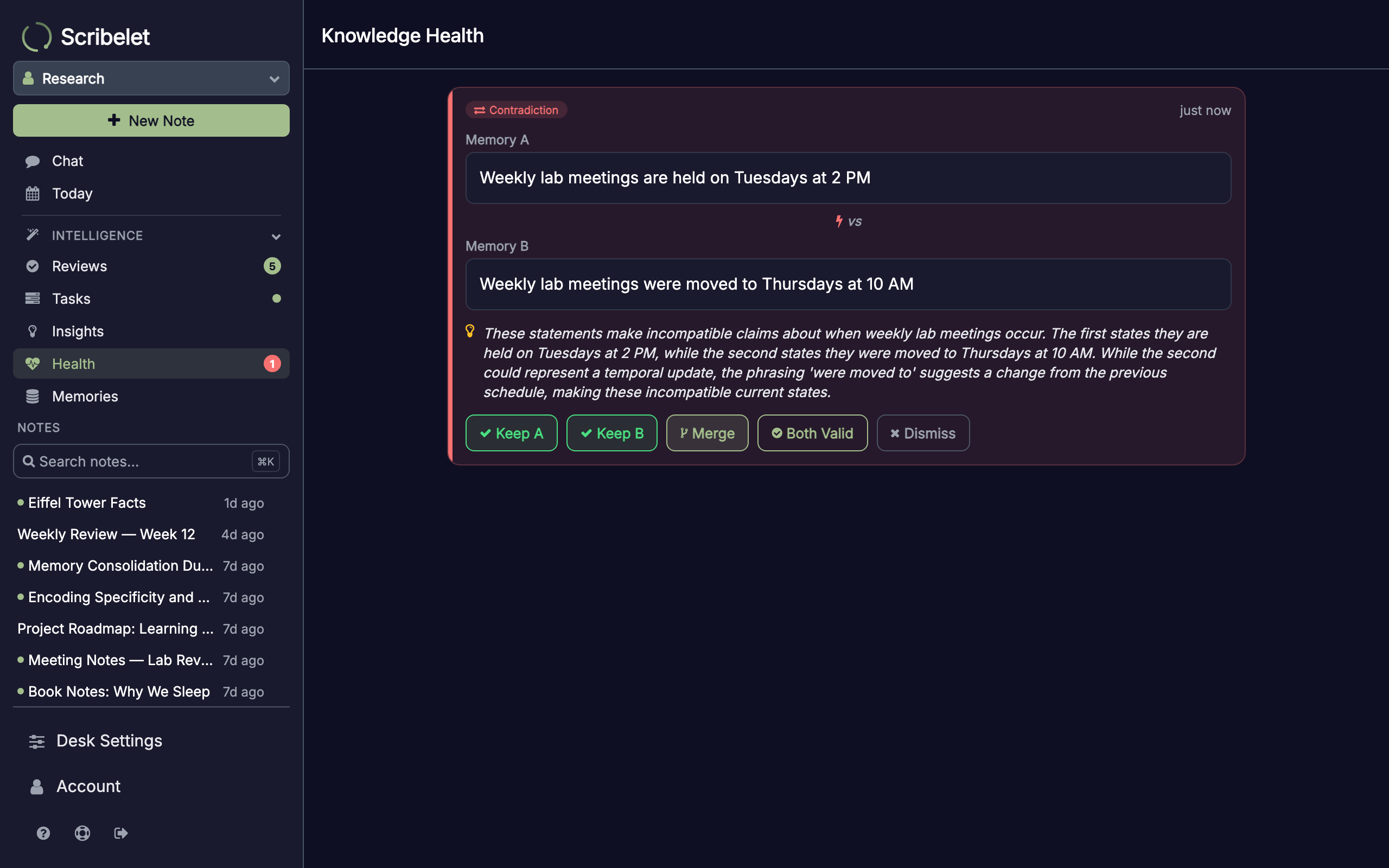
Each detected contradiction is shown as a card with three key pieces of information:
- Memory A and Memory B: the two conflicting statements, displayed side by side
- Explanation: the AI's reasoning for why these memories conflict
Resolving contradictions
Every contradiction card offers five resolution options:
Keep A or Keep B
Choose the memory that's correct and delete the other. Use this when one memory is simply outdated or wrong.
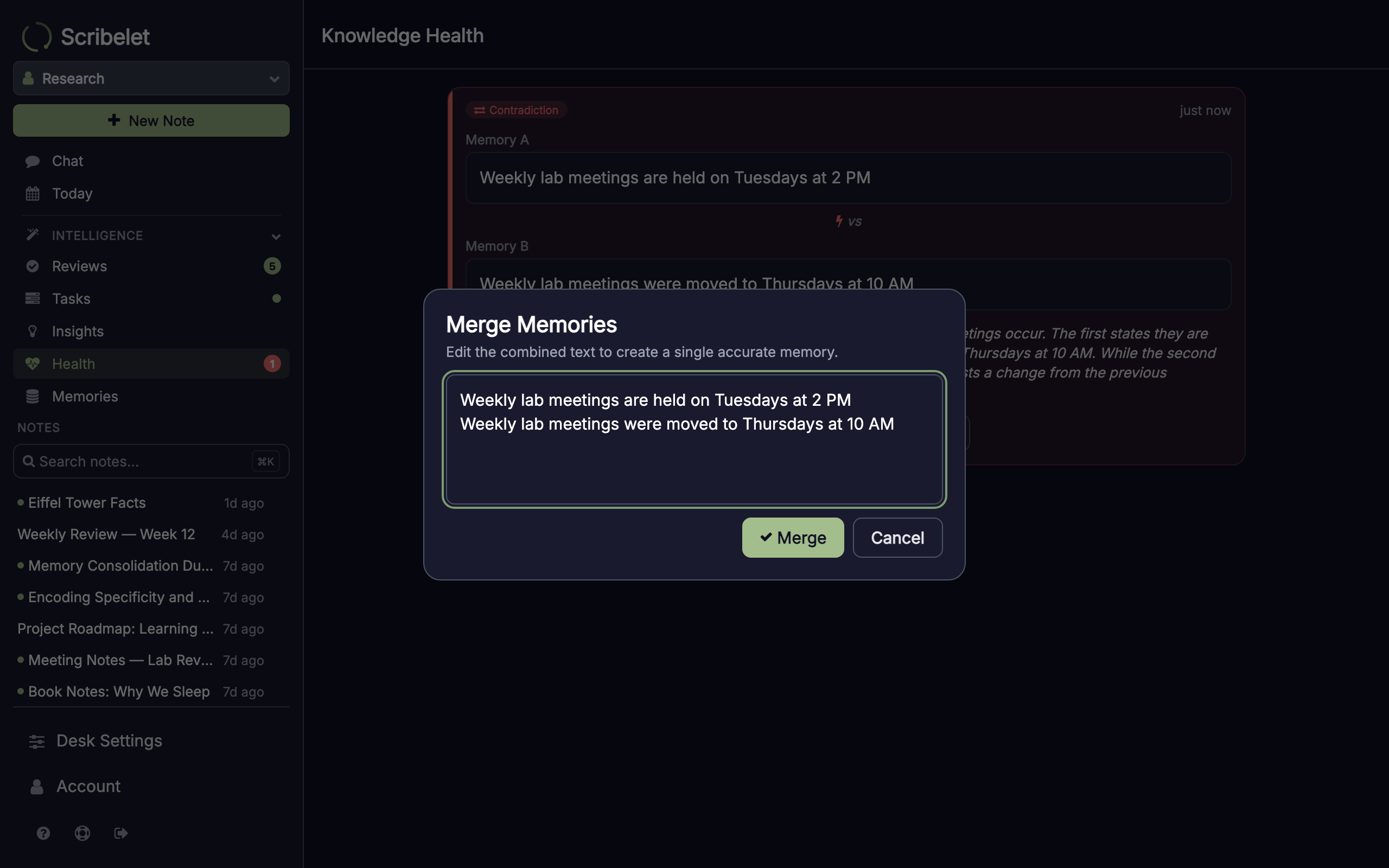
Merge
Opens an editor pre-filled with both memories. Edit the text to create a single, accurate memory that combines the best of both. The merged memory replaces both originals.
Both Valid
Marks both memories as intentionally valid. Use this when the memories describe different contexts (for example, budgets for different time periods or roles in different projects).
Dismiss
Removes the contradiction from the queue without changing either memory. Use this when the AI flagged something that isn't actually a conflict.
Clean state
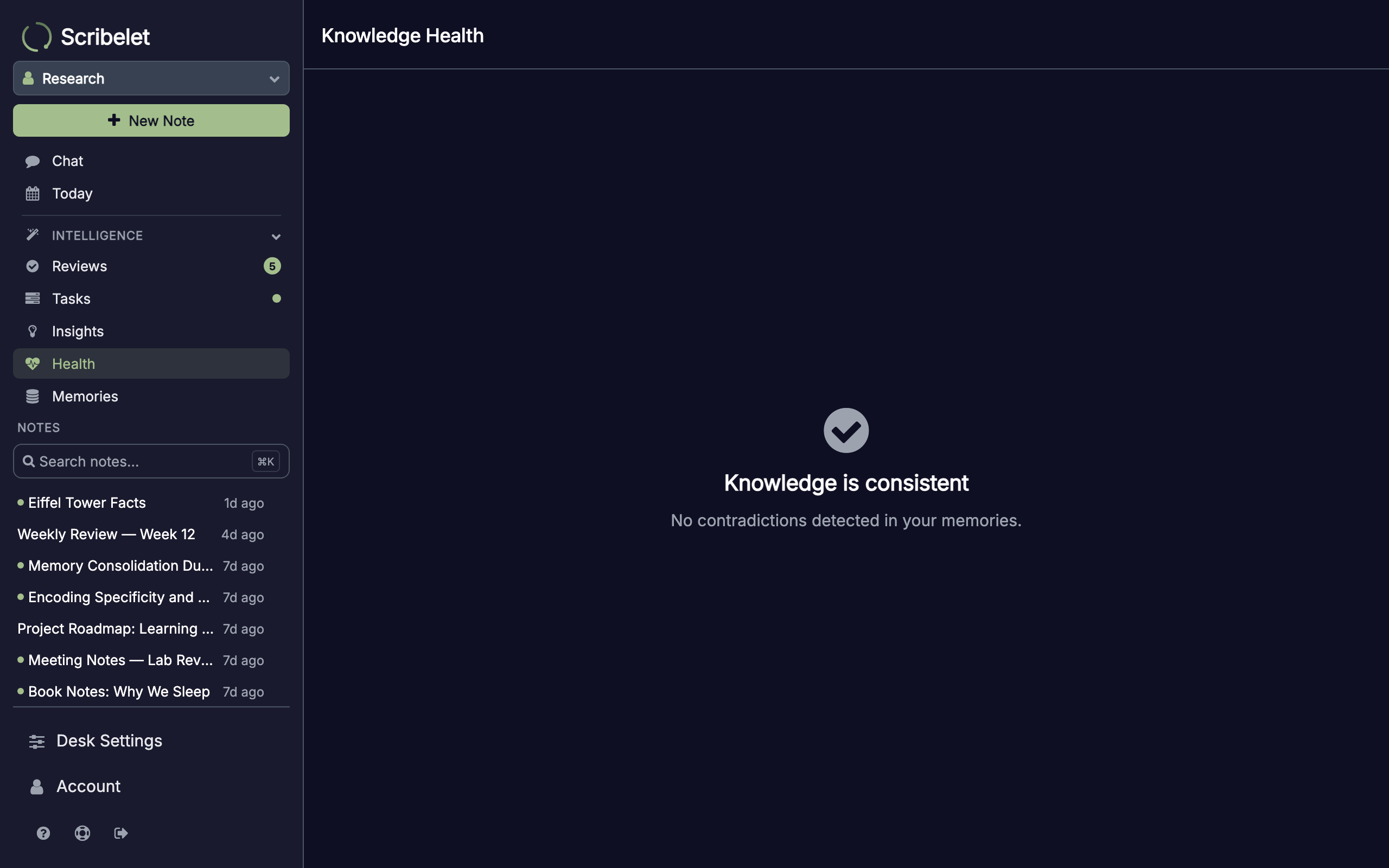
When all contradictions are resolved (or none have been detected), the Health screen shows a confirmation that your knowledge is consistent.