Core Concepts
Updated 2026-03-30
Table of contents
Scribelet has a few key building blocks that everything else is built on. Understanding them will help you get the most out of the app.
Desks
A desk is a self-contained workspace. Each desk has its own notes, AI memory, chat history, and encryption key. Think of desks like separate notebooks: one for work, one for research, one for a side project.
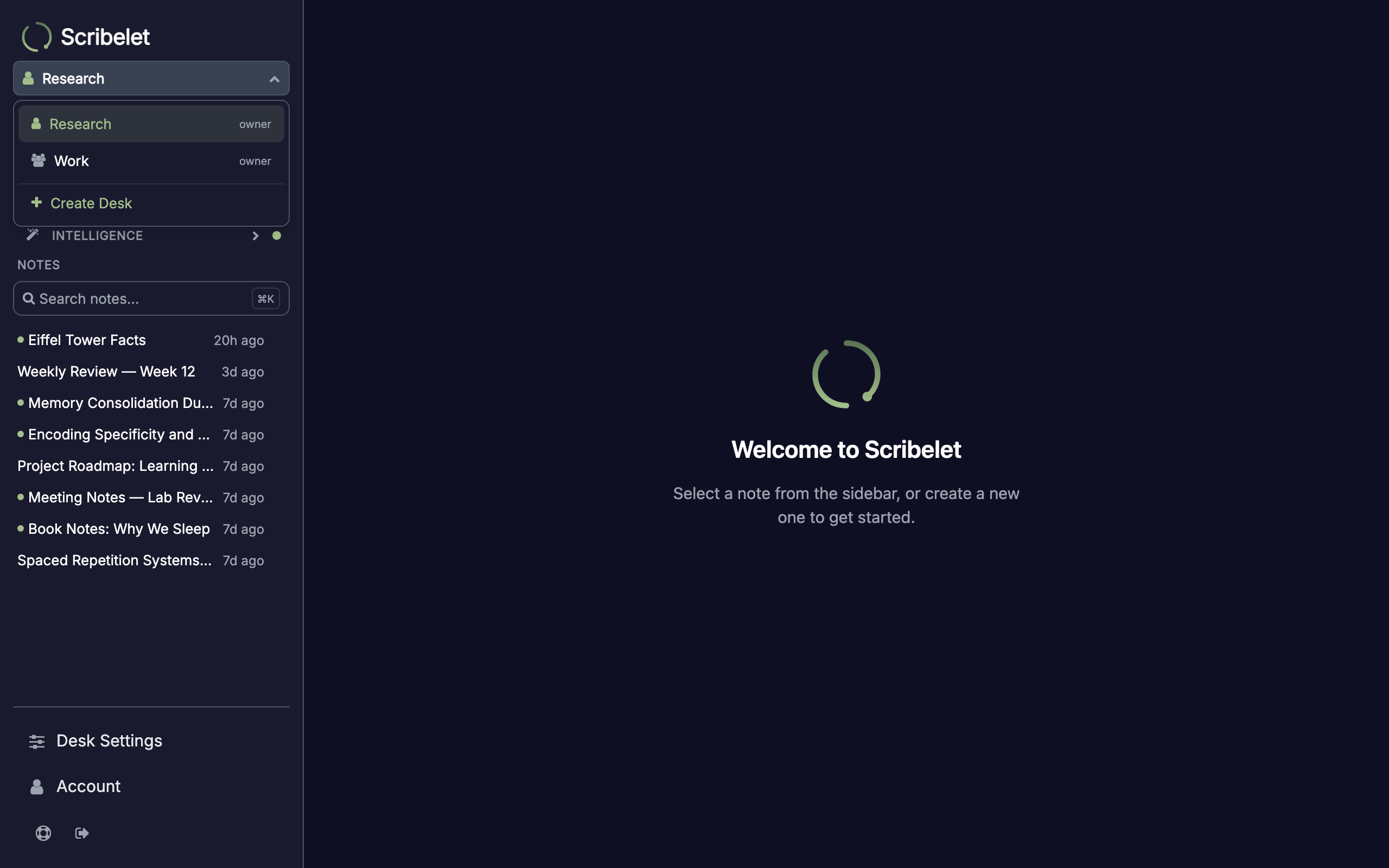
Use the dropdown at the top of the sidebar to switch between desks or create a new one. Each desk is fully isolated: notes in one desk can't link to notes in another, and AI chat in one desk only sees that desk's content.
Notes
Notes are your basic unit of knowledge. Each note has a title and a body with rich text editing: headings, bold, italic, bullet lists, code blocks, and more.
But notes in Scribelet aren't just static documents. They're connected to everything else. Wikilinks tie them together, tags categorize them, AI verifies their facts, and the auto-linker discovers relationships you didn't know existed.
Every edit is stored as an event, so you can always see the full history of a note. Nothing gets lost.
Wikilinks
Type [[ anywhere in a note to create a wikilink, a direct connection to another note. A search popup appears as you type, showing matching notes from your desk.
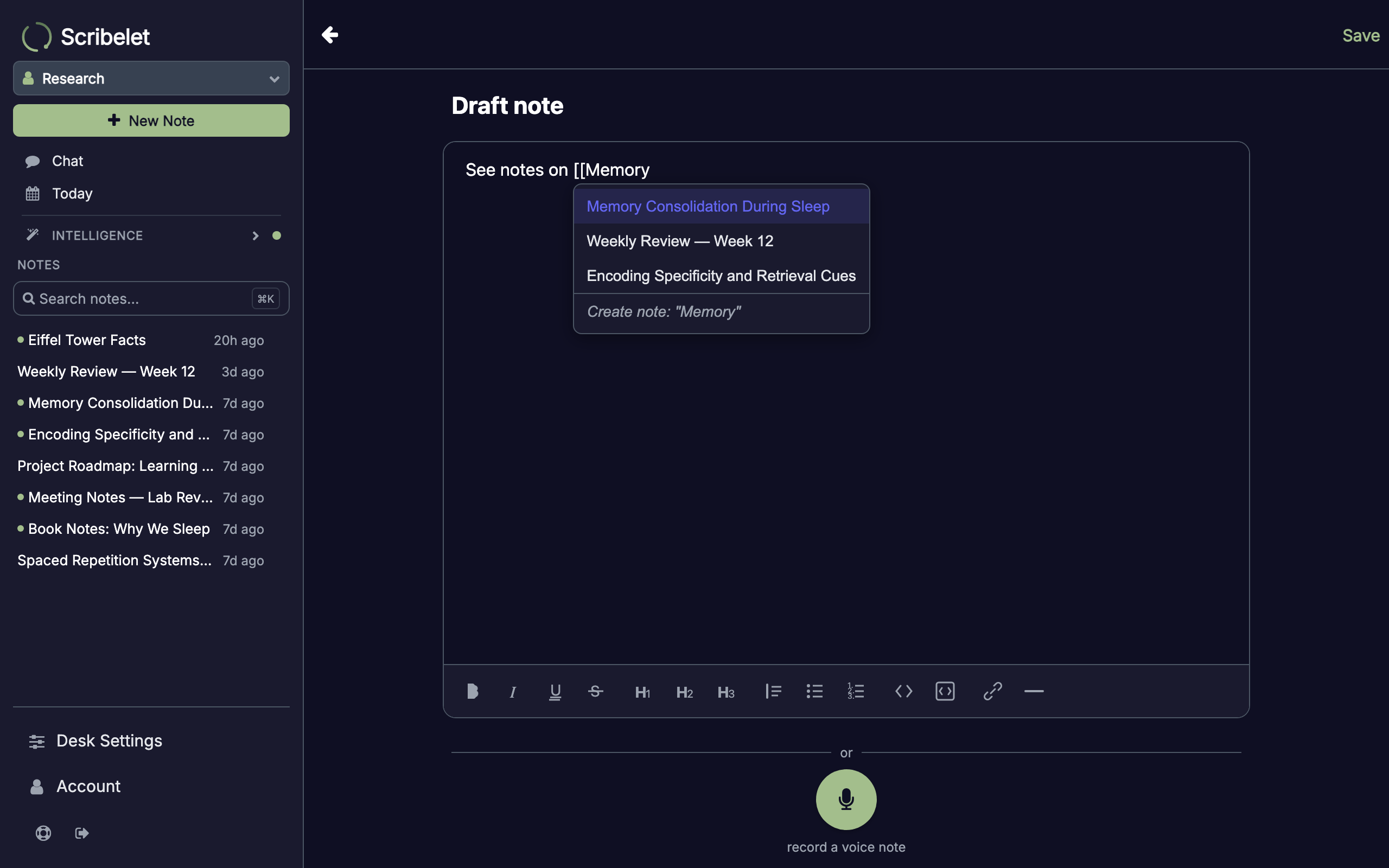
Select a result to insert a link. If the note doesn't exist yet, you can create it on the spot. Wikilinks are bidirectional: linking from note A to note B automatically creates a backlink from B back to A.
This is how you build a knowledge graph organically. Write your notes naturally, link related ideas with [[, and let the connections accumulate. Over time, you end up with a web of interconnected knowledge rather than a pile of isolated documents.
Tags
Add #tags to your notes to categorize them. Type # followed by a tag name, and a suggestion popup lets you pick from existing tags or create new ones.
Tags appear at the top of each note and work as quick filters. Unlike folders, a note can have multiple tags, so you're not forced into a single hierarchy.
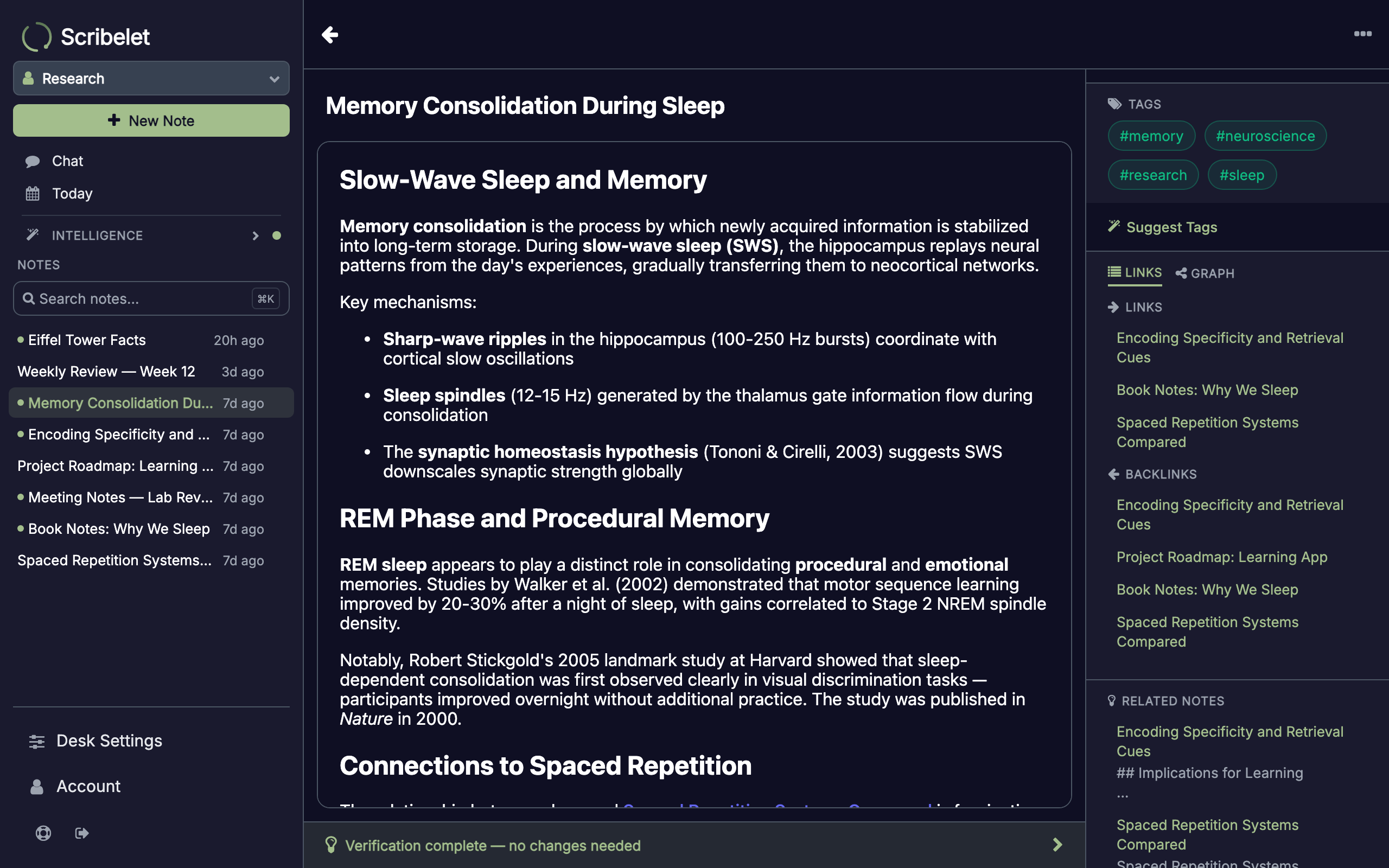
The links panel on the right side of each note shows outgoing wikilinks, backlinks, and related notes. Combined with tags at the top, you always have a clear picture of where a note sits in your knowledge base.
AI memory
Scribelet's AI doesn't start from scratch every time you chat. It builds a memory from your notes and conversations: facts, relationships, terminology, and preferences that make future responses more contextual and accurate.
Memories are organized by type:
- Facts: extracted from your notes and conversations (e.g. "The team decided to move to v2 endpoints by end of month")
- Procedural: behavioral rules the AI follows (e.g. "Always start responses with 'Hello!'")
- Episodes: conversation summaries that give the AI context about past discussions
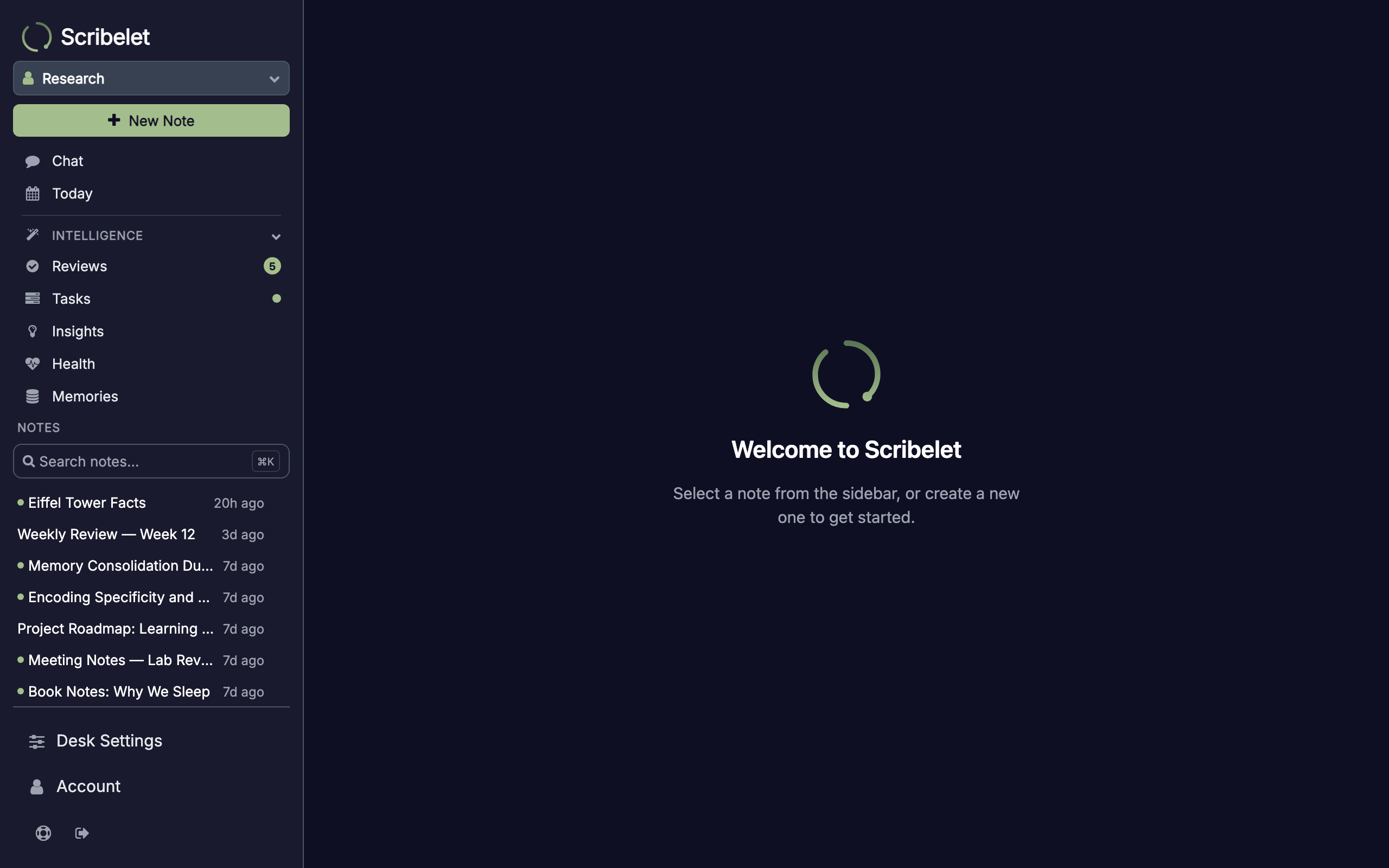
You can review, edit, or delete any memory from the Intelligence section in the sidebar. Memories also power the auto-linker, daily digest, and weekly insights. The more you write, the smarter these features become.
Free vs Pro
Scribelet works without a subscription, and the free tier includes AI; it isn't paywalled. The free tier includes:
- Unlimited notes with rich text editing
- Wikilinks, tags, and backlinks
- Full-text and AI semantic search
- AI chat, tag suggestions, and note processing (with daily limits)
- On-demand fact verification and memory creation
- Encryption at rest (AES-256-GCM)
- Bring your own API keys for unlimited AI (OpenAI, Anthropic, Gemini)
Pro ($8/mo or $79/yr) raises the limits and adds the always-on automation:
- Higher and unlimited AI limits, plus a more capable chat model
- Automatic background fact verification
- Voice notes with transcription and structuring
- Always-on intelligence: auto-linker, daily digest, weekly insights, and memory consolidation
You can upgrade any time from Desk Settings in the sidebar.
How it all connects
Here's how these concepts reinforce each other:
- You write notes inside a desk
- Wikilinks and tags create explicit connections
- AI memory learns from your content and conversations
- Background features (auto-linker, verification, digest) use memory to surface connections, catch errors, and keep you informed
The more you use Scribelet, the more value these layers add. Start by writing notes and linking them with [[. Everything else builds from there.
Next steps
- What is Scribelet?: the full feature tour
- Quick Start: create your first note and try AI chat in five minutes